How to Change Your Delta Airlines Flight | No Fees, Easy Steps


Easy Way to Changing Your Delta Airlines Flight
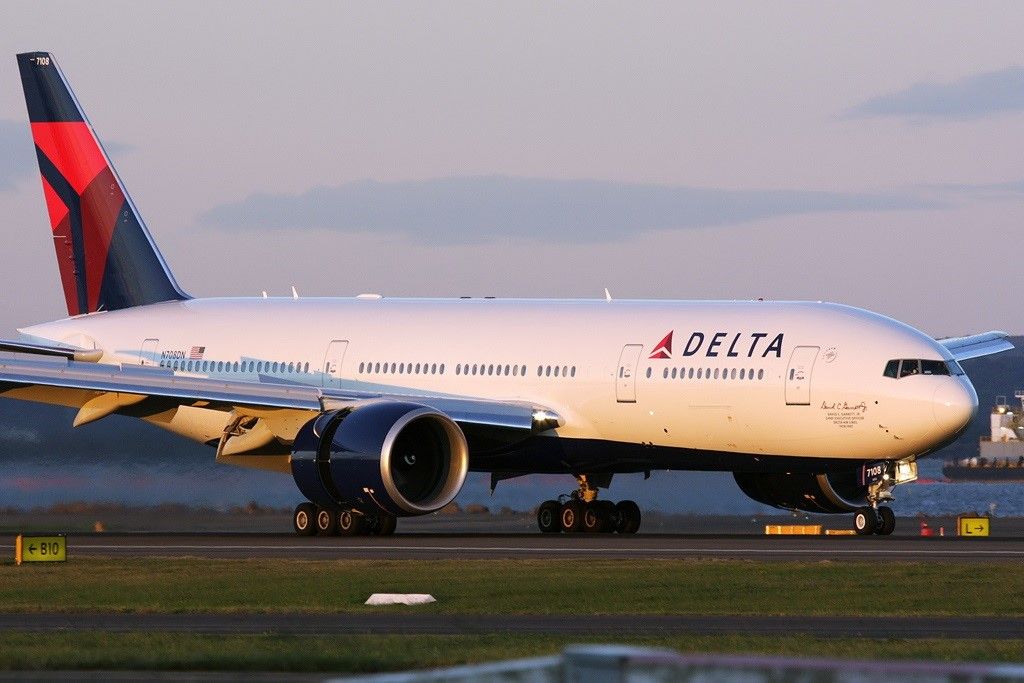
Delta Airlines aircraft parked at the gate, showcasing the airline’s branding and operational scale — representing Delta’s commitment to service and flexibility.

Plans change. Whether it's a last-minute meeting, bad weather, or a spontaneous getaway, having the flexibility to adjust your flight without hassle matters. Luckily, Delta Airlines makes it relatively easy to update your booking. Here's how to handle it.

Why You Might Need to Change Your Delta Flight

People change flights for all kinds of reasons:

  • A shift in your schedule

  • Weather delays or cancellations

  • A new travel opportunity

  • Personal or family emergencies

Whatever the situation, Delta gives you a few ways to update your flight—online, in the app, or by calling customer service.

Delta’s Flight Change Policy: What You Need to Know

Traveler managing Delta flight booking via mobile app.

Delta has updated its policies to give travelers more flexibility:

  • No change fees for most domestic and international flights, except Basic Economy

  • You can change your flight anytime before departure

  • If the new fare is higher, you pay the difference

  • Basic Economy isn’t eligible for changes, but you might get partial credit if you cancel

How to Change Your Delta Flight Online

You can update your trip in a few quick steps:

  1. Visit delta.com

  2. Click on "My Trips"

  3. Enter your confirmation number and name

  4. Select the trip you want to change

  5. Click "Change or Add Flights"

  6. Pick your new flight and confirm

Using the Delta App

A passenger checking Delta flight change options on their smartphone.

Prefer using your phone? The Delta app is just as easy:

  • Open the app and tap "My Trips"

  • Select your flight

  • Tap "Modify"

  • Follow the steps to update your booking

The in-app chatbot is also handy if you need help walking through the steps.

Same-Day Flight Changes
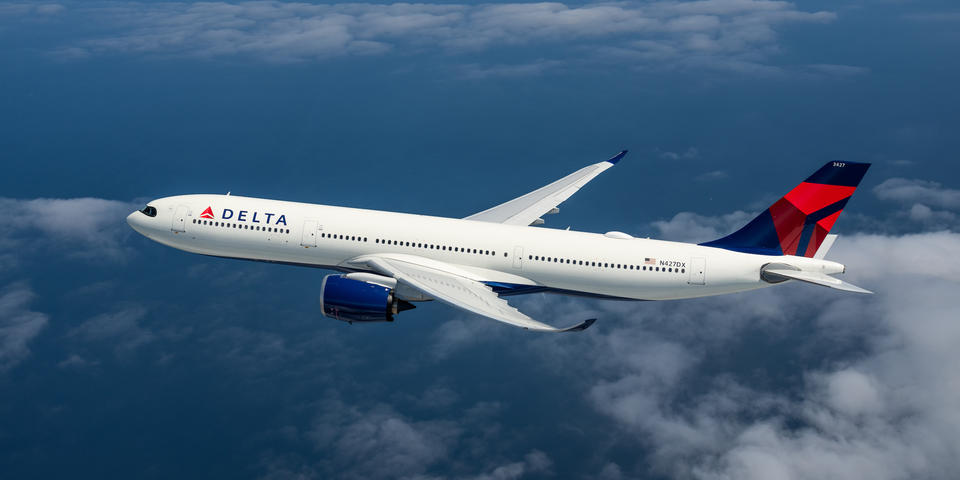
Delta Airlines aircraft ready for departure, symbolizing flexible travel options.

Need to switch flights on your travel day?

  • Same-Day Confirmed: Free for Medallion Members, or available for a small fee

  • Same-Day Standby: Free for everyone, but seats aren't guaranteed

You can make both changes in the app or on the website.

Fees, Refunds, and eCredits

  • No change fees for Main Cabin and higher

  • Basic Economy tickets are more limited

  • Refunds depend on your ticket type and reason for the change

  • Canceled or modified flights may result in eCredits for future travel

Using SkyMiles to Rebook

If you're a SkyMiles member, you have more options:

  • Use miles to cover fare differences

  • Get faster support when rebooking

  • Still earn miles on rebooked flights

When to Call Delta

Online tools work well for most changes, but sometimes it's better to speak with someone. Call Delta if:

  • You're traveling internationally

  • You booked through a third party

  • You're changing plans for multiple passengers

Phone: 1-800-221-1212
Or use the live chat in the app for quicker help.

A Few Final Tips

  • Check fare rules before making changes

  • Update your flight early for better options

  • Turn on app notifications for real-time updates

  • Join SkyMiles for added flexibility


Changing a Delta flight is pretty straightforward. With the app, website, and improved policies, you're in control when plans shift.

Frequently Asked Questions

Leave a Reply

Blog
  • EVA Air Change My Booking – Easy Flight Updates & Tips

  • Iberia Airlines Change My Booking – How to Modify Flights Easily

  • LOT Polish Airlines Change My Booking |Flight Change

  • How to Change Your Delta Airlines Flight | No Fees, Easy Steps

  • Changing Your ANA Airlines Booking

  • Need to Change an American Airlines Flight? Here's How

  • How to Change Your Allegiant Airlines Flight: Trip Flex Tips

  • How to Change Your Lufthansa Booking

  • How to Change My Booking with WestJet Airlines – A Complete

  • United Airlines Change My Booking: Online, App & Customer Support

  • Turkish Airlines Change My Booking | Flight Change, Fees & Online Options

  • TAP Portugal Change My Booking – Modify Flights, Baggage & More Easily

  • Swiss Airlines Change My Booking – Modify, Reschedule, or Cancel Flights Easily

  • Southwest Airlines Change My Booking Online Easily

  • Singapore Airlines Change My Booking – Online & International

  • SAS Airlines Change My Booking – Modify Flights, Baggage & More

  • Ryanair Change My Booking – Modify Flights, Baggage & More Easily

  • Royal Jordanian Change My Booking – Modify Flights, Baggage & More

  • Qatar Airways Change My Booking – Online Flight Changes & Status

  • Avianca Airlines Change My Booking | Manage Flights & Avoid Fees

  • Asiana Airlines Change My Booking – Online & Phone Options

  • Copa Airlines Change My Booking – Modify Flights Online, Check Reservation & Contact Customer Service

  • JetBlue Airlines: Change My Booking Online or via App

  • How to Change Your Volaris Booking Online Easily

  • How to Change Your Frontier Flight ?

  • Air France Change My Booking Online – Update Flights, Dates & Details

  • Air China Change My Booking Online – Manage, Update, and Check Flight Status

  • How to Change and Manage Your China Southern Airlines Booking Online Easily

  • Ryanair Manage Booking Online – Check In, Baggage, Flight Status & Change Flight

  • Asiana Airlines Manage Booking | Check-In, Baggage & Seat Selection

  • Ryanair Change Flight – Fees, Date Changes, Online Options & Refunds

  • Singapore Airlines Manage Booking – Check-In, Reference & Travel Options

  • Air France Change My Booking Online | Manage Flights, Check-In & Baggage

  • Singapore Airlines Flight Delay Compensation | How to Claim & Passenger Rights

  • calling icon +1-833-534-0940